

User Experience Testing Tools are essential for creating successful digital products. They help identify issues and improve user satisfaction.
In today’s digital world, user experience can make or break a product. Imagine you’ve built a fantastic app, but users find it confusing. They might abandon it quickly, affecting your success. This is where user experience testing tools come in.
These tools help you understand how users interact with your product. They provide insights into what works and what doesn’t. By using these tools, you can make data-driven decisions. This ensures your product meets user needs and expectations. In this blog post, we will explore the importance of user experience testing tools. We’ll also highlight some of the best options available to enhance your product’s usability.
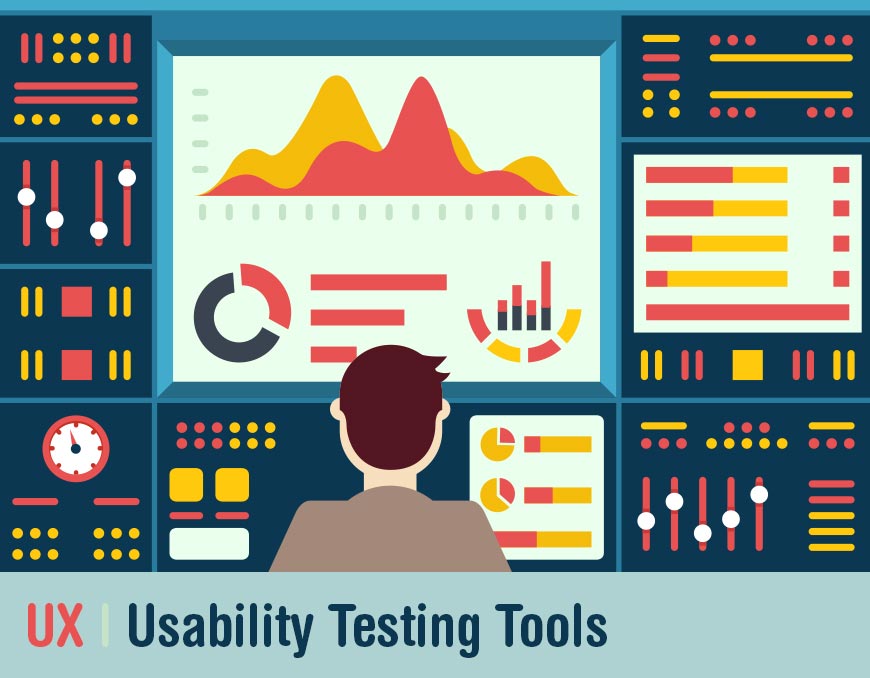
Credit: dynomapper.com
Introduction To Ux Testing
User Experience (UX) testing is a vital part of creating a successful product. It involves evaluating a product by testing it with real users. This process helps identify usability issues and understand user behavior. The goal is to improve the overall experience for the end users.
Importance Of Ux
UX plays a crucial role in user satisfaction and product success. A well-designed UX ensures users can easily navigate and interact with the product. This leads to higher user retention and satisfaction. A poor UX can frustrate users and cause them to abandon the product.
Here are some key reasons why UX is important:
- Increases user satisfaction: Users enjoy a seamless and intuitive experience.
- Boosts engagement: A good UX encourages users to spend more time on the product.
- Enhances accessibility: Ensures the product is usable by a wide range of users.
- Reduces support costs: Fewer usability issues mean fewer support requests.
Goals Of Ux Testing
UX testing aims to identify and fix usability problems. The primary goals include:
- Identify usability issues: Discover problems that users face while using the product.
- Understand user behavior: Learn how users interact with the product.
- Gather user feedback: Obtain valuable insights from real users.
- Improve product design: Make data-driven changes to enhance the UX.
By achieving these goals, UX testing helps create a user-friendly product that meets the needs and expectations of the users.
Types Of Ux Testing Tools
User experience (UX) testing tools help understand how users interact with a product. These tools are crucial for improving product design. There are two main types of UX testing tools: qualitative tools and quantitative tools. Each type serves a different purpose and provides unique insights.
Qualitative Tools
Qualitative tools gather feedback on user experiences through direct observation. These tools capture emotions, thoughts, and motivations. They help to understand the “why” behind user actions.
- User Interviews: One-on-one sessions where users share their thoughts.
- Focus Groups: Group discussions to gather diverse opinions.
- Usability Testing: Observing users as they complete tasks.
- Diary Studies: Users record their experiences over time.
These methods provide deep insights into user behavior. They answer questions that numbers alone cannot. Qualitative tools help identify user pain points and improve overall user satisfaction.
Quantitative Tools
Quantitative tools measure user interactions through data and metrics. They provide numerical insights into user behavior. These tools answer the “what” and “how” of user actions.
- Surveys: Collect data through structured questions.
- Analytics: Track user behavior on websites and apps.
- A/B Testing: Compare two versions of a product to see which performs better.
- Heatmaps: Visualize where users click and scroll.
Quantitative methods offer a broad view of user interactions. They highlight trends and patterns in user behavior. These tools are essential for making data-driven decisions.
Both qualitative and quantitative tools are vital. They provide a complete picture of the user experience. Using both types of tools ensures a thorough understanding of user needs.
Heatmaps And Click Tracking
User experience testing tools are essential for improving website performance. Two popular methods are heatmaps and click tracking. These tools help understand user behavior and enhance site usability. They provide visual data on how users interact with your site.
Understanding Heatmaps
Heatmaps are visual representations of data. They show where users click, scroll, and hover. They use colors to represent data density. Red areas indicate high activity, while blue areas show low activity. This helps identify popular and ignored sections of your website.
Types of heatmaps include:
- Click heatmaps: Track where users click.
- Scroll heatmaps: Show how far users scroll down a page.
- Move heatmaps: Indicate where users hover their mouse.
Benefits Of Click Tracking
Click tracking records every click users make on your website. This provides valuable insights into user behavior. You can see which elements attract the most attention. It helps in optimizing call-to-action buttons and links.
Benefits of click tracking:
- Identify popular links and buttons.
- Understand user navigation paths.
- Improve website layout and design.
Click tracking can also reveal issues. For example, if users frequently click non-clickable elements, consider making them interactive. This enhances user experience and satisfaction.
| Tool | Feature | Benefit |
|---|---|---|
| Heatmaps | Visual data on user activity | Identify popular areas |
| Click Tracking | Records user clicks | Optimize elements |
Session Recording Tools
Session recording tools are vital for understanding user behavior. They capture user interactions on your website, showing you exactly what users do. These tools help improve user experience by pinpointing issues and areas for improvement.
How Session Recording Works
Session recording tools work by tracking user interactions. They record clicks, scrolls, and movements on your site. This data is then presented as a video.
These recordings allow you to see the user’s journey. They help identify where users face difficulties or leave the site. This information is crucial for optimizing your website.
Most tools offer easy integration. You often need to add a small code snippet to your site. This snippet enables the tool to start recording user sessions instantly.
Analyzing User Sessions
Analyzing user sessions involves reviewing recorded videos. Look for patterns and common behaviors. Identify areas where users struggle or abandon tasks. This can highlight usability issues.
Use session recordings to understand user intent. See what users are looking for and how they navigate. This helps in making data-driven decisions for site improvements.
Create a checklist for analysis:
- Identify drop-off points
- Note areas with high interaction
- Check for unexpected behaviors
- Look at page load times
Comparing multiple sessions can reveal trends. Trends help prioritize changes that will have the most impact. Regular analysis ensures your site evolves with user needs.
Surveys And Feedback Tools
Surveys and feedback tools are essential for understanding user experience. They help gather insights directly from users. With this data, you can improve your product or service. These tools provide a way to collect, analyze, and act on user feedback.
Gathering User Feedback
Gathering user feedback is crucial for improving user experience. Surveys and feedback tools make this process simple. You can use various methods to collect feedback:
- Online surveys
- In-app feedback forms
- Email questionnaires
Online surveys are easy to distribute. They can reach a large audience quickly. In-app feedback forms allow users to provide feedback while using your product. Email questionnaires are useful for targeted feedback.
Here is a table showing the pros and cons of each method:
| Method | Pros | Cons |
|---|---|---|
| Online Surveys | Wide reach, quick distribution | May have low response rates |
| In-app Feedback Forms | Immediate feedback, high relevance | Interrupts user experience |
| Email Questionnaires | Targeted feedback, personal touch | Can be time-consuming |
Using a mix of these methods can provide a comprehensive view of user feedback. This helps in understanding different aspects of the user experience.
Implementing Survey Results
Implementing survey results is the next step after gathering feedback. Here are some key steps:
- Analyze the data collected
- Identify common themes and issues
- Prioritize areas for improvement
- Develop a plan of action
- Implement changes
First, analyze the data to find common themes. Identify the most critical issues users face. Prioritize these areas for improvement. Develop a plan to address the issues. Finally, implement the changes and monitor their impact.
Regularly updating your product based on user feedback ensures continuous improvement. It also shows users that you value their input. This can lead to increased user satisfaction and loyalty.
Usability Testing Platforms
Usability testing platforms help businesses understand how users interact with their products. By using these platforms, companies can identify issues, improve user experience, and create better products. Two common types of usability testing are remote usability testing and in-person usability testing.
Remote Usability Testing
Remote usability testing allows users to test products from their own location. This method is convenient and cost-effective. It provides insights from real users in natural environments. Common tools include:
- UserTesting: Provides video feedback from users.
- Lookback: Allows live and recorded user sessions.
- Optimal Workshop: Offers various usability tests.
These tools help gather valuable feedback quickly. They also support diverse user demographics.
In-person Usability Testing
In-person usability testing involves users testing products in a controlled environment. This method provides direct observation and immediate feedback. It helps identify subtle user reactions. Popular tools for in-person testing are:
- Morae: Records user interactions for analysis.
- Silverback: Mac-based tool for usability testing.
- UsabilityHub: Offers both remote and in-person options.
These tools help gather detailed insights. They also allow for real-time adjustments based on user interactions.
| Type of Testing | Key Tools | Benefits |
|---|---|---|
| Remote Usability Testing | UserTesting, Lookback, Optimal Workshop | Convenient, cost-effective, diverse user feedback |
| In-Person Usability Testing | Morae, Silverback, UsabilityHub | Direct observation, immediate feedback, detailed insights |
Choosing the right usability testing platform depends on your specific needs. Consider both remote and in-person options. Use the tools that best fit your product and target audience.
A/b Testing Tools
User experience (UX) is critical for the success of any digital product. A/B testing tools help improve UX by allowing you to compare two versions of a webpage. You can then determine which version performs better. These tools are essential for making data-driven decisions.
Setting Up A/b Tests
Setting up A/B tests involves creating two versions of a webpage. These are known as the ‘control’ and the ‘variant’. The control is the original version, while the variant is the modified version.
To start, you need an A/B testing tool like Google Optimize, Optimizely, or VWO. Follow these steps:
- Identify the element you want to test. This could be a headline, button, or image.
- Create the variant by making changes to the identified element.
- Set up your test in the A/B testing tool. This involves defining your control and variant.
- Specify the goal of the test. Common goals include increasing click-through rates or improving conversions.
- Launch the test and let it run for a predetermined period.
Interpreting A/b Test Results
Interpreting A/B test results is crucial for making informed decisions. Once the test concludes, the tool will provide data on performance metrics.
Here are some key metrics to look for:
- Conversion Rate: The percentage of visitors who complete the desired action.
- Click-Through Rate (CTR): The percentage of visitors who click on a link or button.
- Engagement Metrics: Time spent on page, bounce rate, etc.
Use these metrics to determine the winning variant. If the variant performs better, consider implementing it as the new control.
Here’s an example of how to interpret the data:
| Metric | Control | Variant |
|---|---|---|
| Conversion Rate | 5% | 7% |
| Click-Through Rate | 10% | 12% |
| Time on Page | 2 mins | 2.5 mins |
In this example, the variant outperforms the control in all key metrics. This suggests that the changes made in the variant are beneficial.
Choosing The Right Tools
Selecting the right user experience (UX) testing tools can make a significant difference in your project. The right tools can help you understand user behavior, identify pain points, and create a smoother user journey. Let’s dive into the essential factors to consider and some popular UX testing tools available.
Factors To Consider
When choosing UX testing tools, consider the following factors:
- Budget: Determine how much you are willing to spend.
- Ease of Use: The tool should be user-friendly and easy to navigate.
- Features: Look for essential features like heatmaps, session recordings, and usability testing.
- Compatibility: Ensure the tool works well with your existing software and platforms.
- Support: Check if the tool offers good customer support and resources.
Considering these factors will help you narrow down your choices and find the best tool for your needs.
Popular Ux Testing Tools
Here are some widely used UX testing tools that can help you improve your website or app:
- Hotjar: Offers heatmaps, session recordings, and feedback polls.
- Crazy Egg: Provides heatmaps, scroll maps, and A/B testing.
- UserTesting: Lets you watch real users interacting with your site in real-time.
- Optimal Workshop: Focuses on tree testing, card sorting, and surveys.
- Lookback: Allows for live interviews and remote usability testing.
Each of these tools has its unique strengths. Evaluate them based on your specific needs and the factors we discussed earlier.
| Tool | Main Features |
|---|---|
| Hotjar | Heatmaps, Session Recordings, Feedback Polls |
| Crazy Egg | Heatmaps, Scroll Maps, A/B Testing |
| UserTesting | Real-Time User Interaction |
| Optimal Workshop | Tree Testing, Card Sorting, Surveys |
| Lookback | Live Interviews, Remote Usability Testing |
Integrating Ux Testing In Workflow
Integrating UX testing into your workflow is crucial for creating an intuitive interface. This ensures a seamless user experience. It involves planning, execution, and continuous improvement. Let’s explore how to do this effectively.
Planning Ux Tests
Start by identifying key areas to test. Focus on critical user paths. Create a plan with clear objectives and goals.
- Define the purpose of the test
- Identify target user personas
- Choose the right UX testing tools
Next, develop scenarios that reflect real user tasks. These scenarios should be relevant and practical. This helps in getting genuine feedback.
| Step | Description |
|---|---|
| 1. Define Objectives | Set clear goals for what you aim to achieve |
| 2. Select Participants | Choose users that represent your target audience |
| 3. Create Scenarios | Develop tasks that users will perform during the test |
Continuous Improvement
Use the insights from the tests to make improvements. Document every finding. Act on them to enhance the user experience.
- Analyze test results
- Identify pain points and areas for improvement
- Implement changes and track their impact
Repeat the process. This ensures your product evolves with user needs. It’s an ongoing cycle of testing, feedback, and refinement.

Credit: marker.io
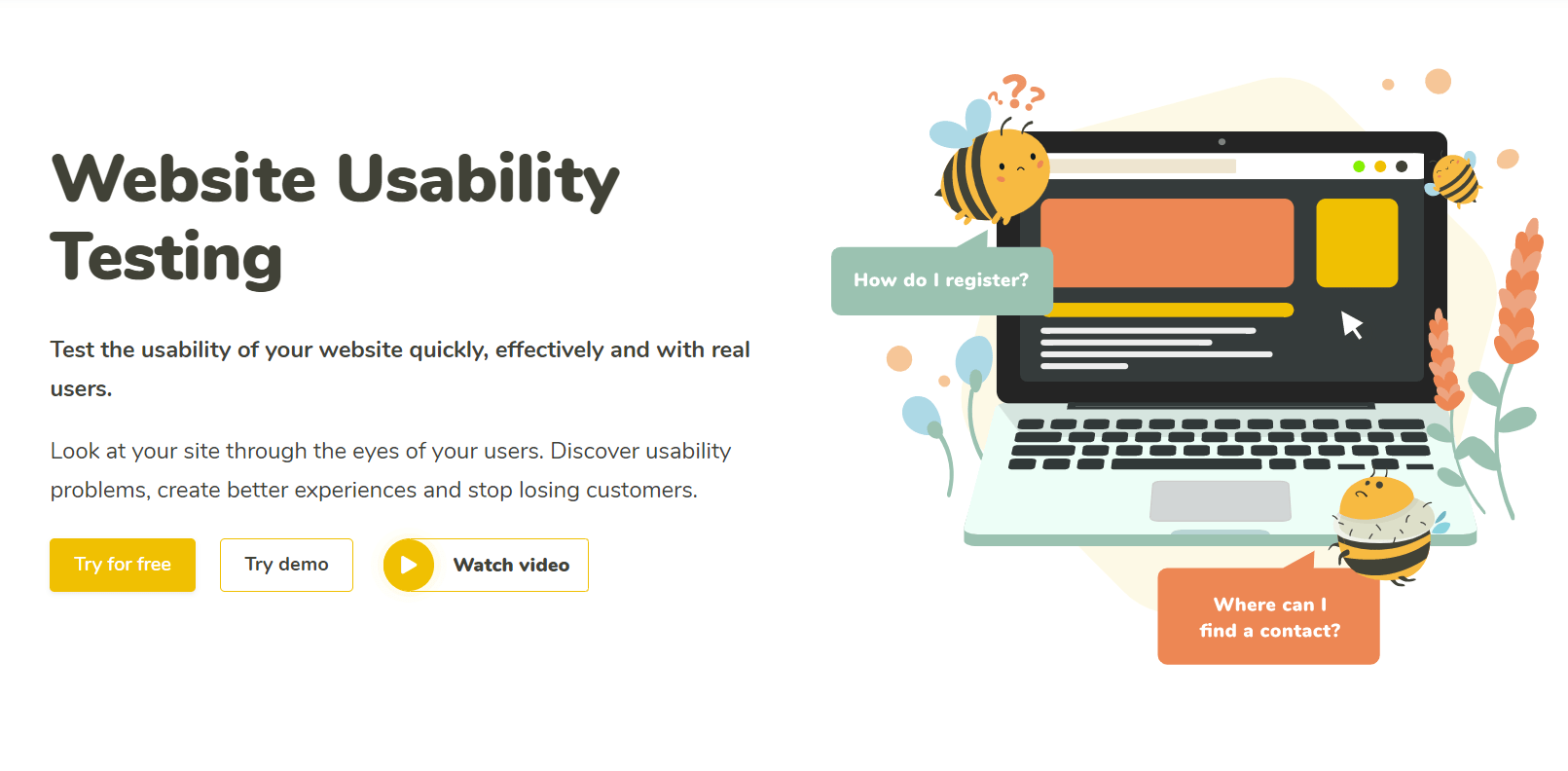
Credit: www.uxtweak.com
Frequently Asked Questions
What Are User Experience Testing Tools?
User experience testing tools help evaluate how users interact with a product. They provide insights into usability, efficiency, and satisfaction. These tools identify pain points and areas for improvement.
Why Are User Experience Testing Tools Important?
User experience testing tools ensure a product meets user needs. They help improve usability, increase user satisfaction, and reduce churn. By identifying issues early, they save time and development costs.
How Do User Experience Testing Tools Work?
User experience testing tools collect data from real user interactions. They analyze behavior, feedback, and performance metrics. This information helps understand user needs and improve the overall experience.
What Features Should A Good User Experience Testing Tool Have?
A good user experience testing tool should offer user feedback collection, behavior analysis, and usability testing. It should provide easy-to-understand reports and actionable insights. Integration with other tools is also beneficial.
Conclusion
User experience testing tools are essential for improving website performance. They help identify issues and enhance user satisfaction. By utilizing these tools, businesses can understand user behavior better. This leads to more effective designs and higher engagement rates. Choose the right tool based on your specific needs.
Test regularly to stay ahead in the competitive market. Remember, a positive user experience is key to success. Invest in the right tools and watch your website thrive.