

In the competitive world of digital marketing, testing is crucial. Split testing tools help businesses make informed decisions.
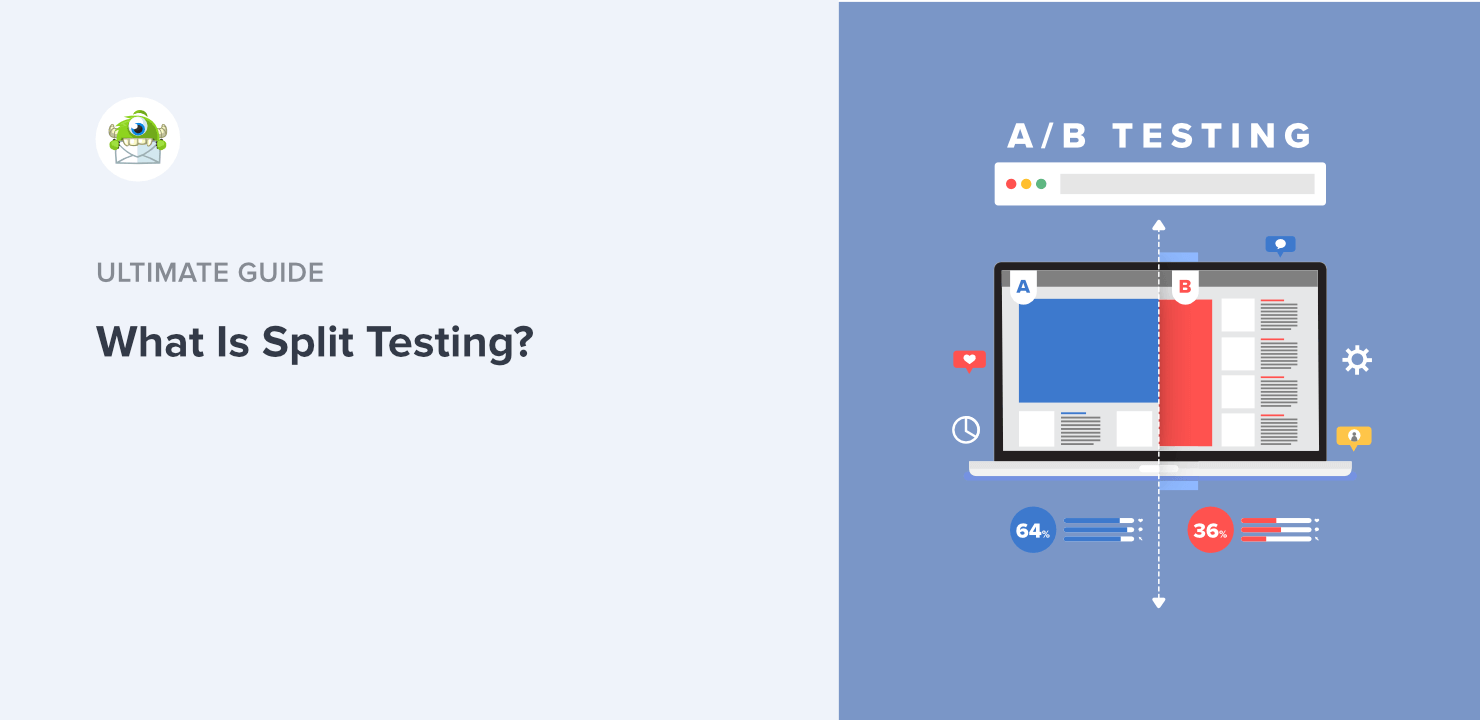
Split testing, also known as A/B testing, allows you to compare different versions of your web pages or emails. By doing this, you can see which version performs better. This process helps you understand what works best for your audience.
With the right split testing tools, you can increase conversions, improve user experience, and boost your marketing efforts. These tools take the guesswork out of your strategies and provide data-driven results. Ready to enhance your marketing campaigns? Let’s explore the world of split testing tools and discover how they can benefit your business.
Introduction To Split Testing
Split testing, also known as A/B testing, is a powerful method used to determine the best-performing version of a webpage or marketing strategy. It helps businesses make data-driven decisions that can enhance user experience and boost conversions. In this section, we will delve deeper into what split testing is and why it is crucial for improving conversion rates.
What Is Split Testing?
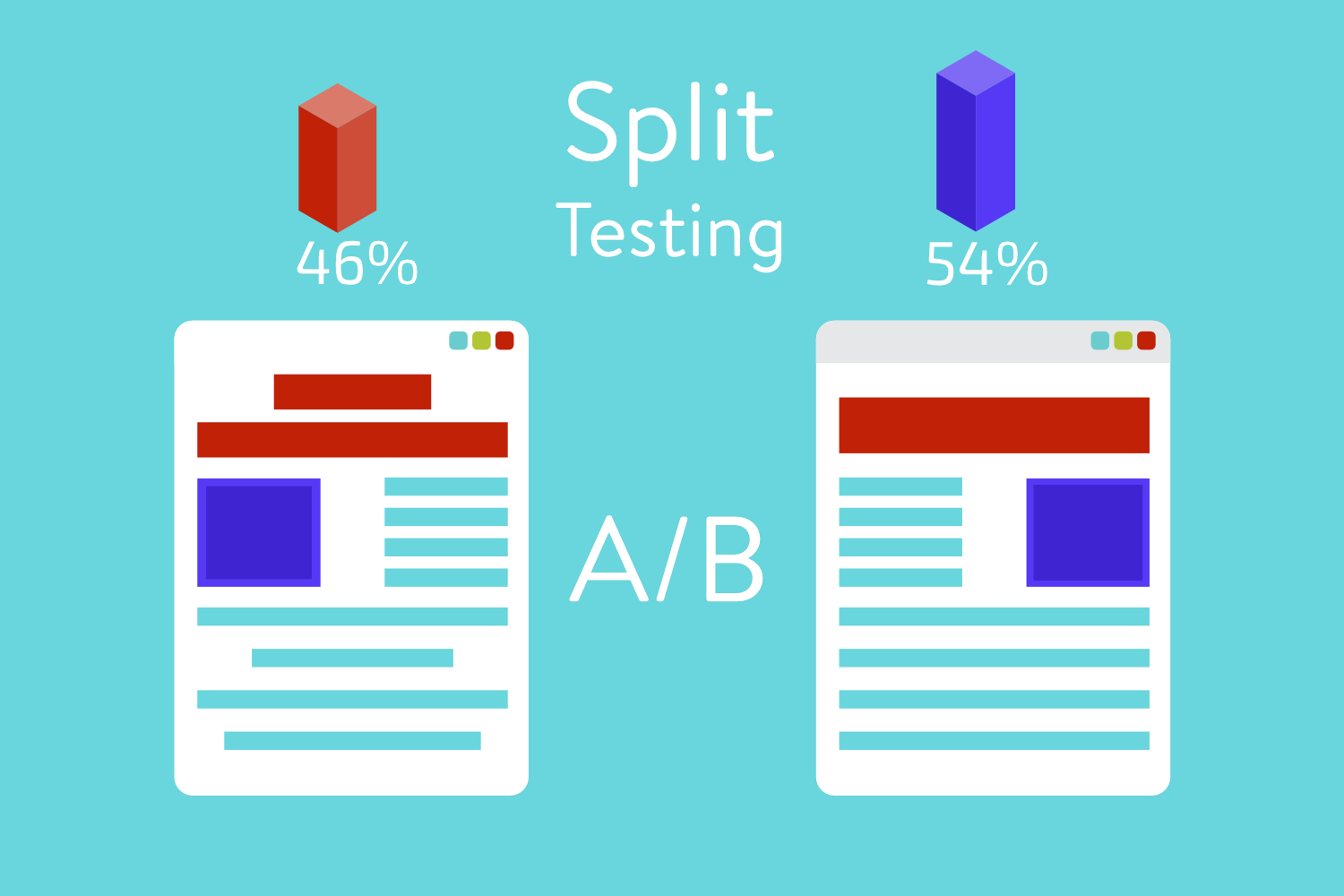
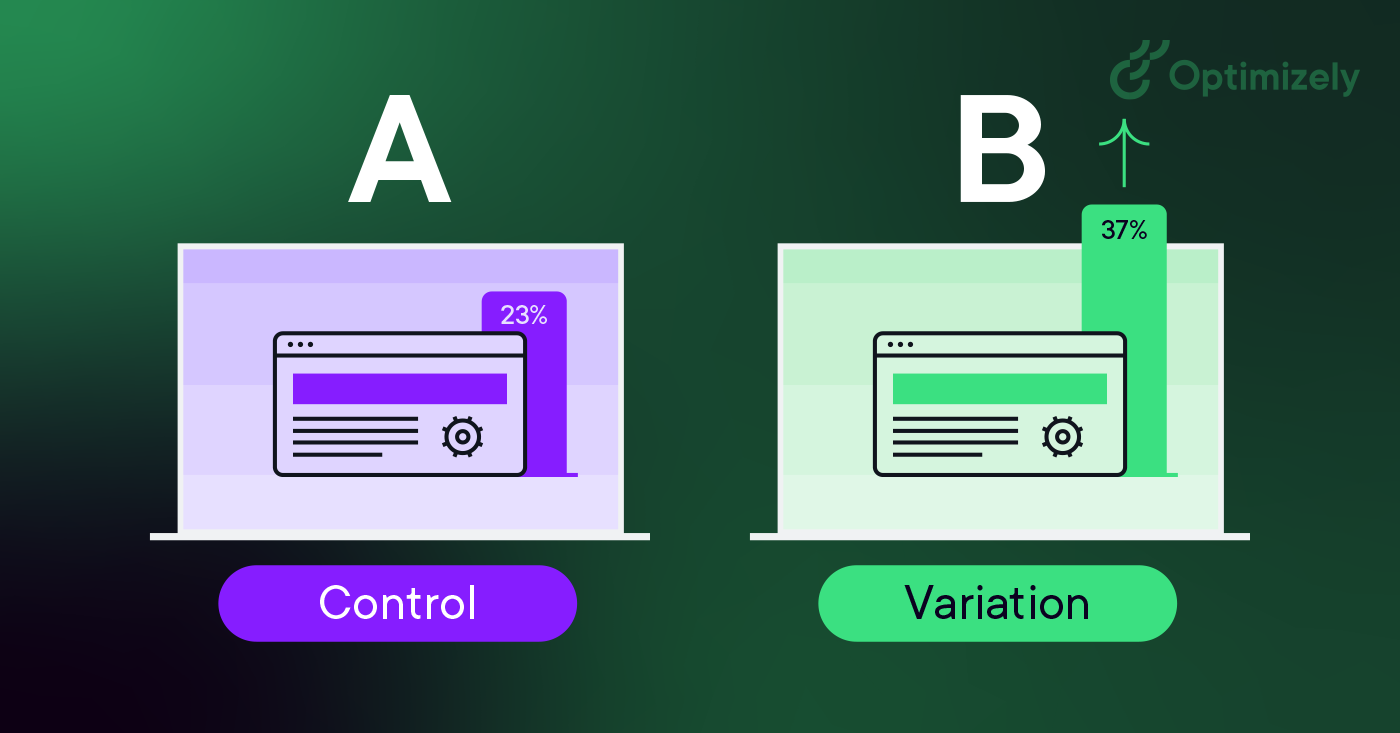
Split testing involves comparing two versions of a webpage or app against each other to see which one performs better. This process can include multiple elements such as headlines, images, buttons, and overall layout. By showing different versions to different segments of your audience, you can gather data on which version drives more engagement or conversions.
Here is a simple breakdown of the split testing process:
- Create two or more versions of a webpage (Version A and Version B).
- Randomly divide your audience to view different versions.
- Measure and compare the performance metrics of each version.
- Identify the version that performs better and implement the changes.
Importance For Conversion Rates
Improving conversion rates is vital for any business. Split testing helps identify which elements on your webpage are most effective in driving conversions. This data-driven approach ensures you make informed decisions rather than relying on guesswork.
Here are some key benefits of split testing for conversion rates:
- Increased Engagement: By testing different elements, you can find out what captures your audience’s attention.
- Higher Revenue: Improved conversion rates directly lead to increased sales and revenue.
- Better User Experience: Testing can help optimize the user journey, making it more seamless and enjoyable.
- Reduced Bounce Rates: Identifying and fixing underperforming elements can keep users on your site longer.
In summary, split testing is a critical tool for any business looking to enhance its online presence and boost conversion rates. By methodically testing and optimizing different elements, you can create a more effective and user-friendly experience for your audience.
Key Features Of Split Testing Tools
Split testing tools are essential for optimizing your website’s performance. These tools help you understand which elements work best for your audience. To get the most out of them, look for tools with key features that enhance usability and insights. Below are some of the key features to consider:
User-friendly Interface
A user-friendly interface is crucial for any split testing tool. It should be easy to navigate and understand. Even beginners should find it straightforward to set up tests. Look for tools with clear instructions and intuitive dashboards. A drag-and-drop builder can be very helpful. This feature allows users to create tests quickly without needing coding skills.
Comprehensive Analytics
Comprehensive analytics provide deep insights into your test results. You need detailed reports to understand user behavior. Good analytics show metrics like conversion rates, bounce rates, and time on page. Look for tools that offer real-time data. This helps in making quick adjustments to your strategies. The ability to segment data by different user groups is also important. It helps in understanding how different audiences react to changes.
| Feature | Importance | Benefit |
|---|---|---|
| User-Friendly Interface | High | Easy to set up and use |
| Comprehensive Analytics | High | Detailed insights and real-time data |
These key features make split testing tools more effective and easier to use. They help you make better decisions based on reliable data. Always choose tools that offer these features to get the best results for your website.
Top Split Testing Tools
Split testing, also known as A/B testing, helps businesses improve their websites. By comparing two versions of a webpage, companies can see which one performs better. There are many tools available for split testing. Below are some of the top split testing tools you might consider.
Tool A Overview
Tool A is a popular choice for split testing. It offers an easy-to-use interface and powerful analytics. This tool is suitable for both beginners and experts.
| Feature | Description |
|---|---|
| Ease of Use | Simple drag-and-drop functionality. |
| Analytics | Detailed reports and data visualization. |
| Integration | Works well with other marketing tools. |
- Free trial available
- 24/7 customer support
- Community forums
With these features, Tool A can help you optimize your website. You can quickly see which version of your page works best. Plus, the detailed reports make it easy to understand your audience.
Tool B Overview
Tool B is another excellent option for split testing. This tool is known for its advanced targeting and segmentation features. It allows you to run more specific tests.
| Feature | Description |
|---|---|
| Targeting | Advanced options for precise audience targeting. |
| Segmentation | Create segments based on user behavior. |
| Reporting | Comprehensive and easy-to-read reports. |
- Real-time data
- Customizable dashboards
- High-level security
Tool B is ideal for businesses that need detailed insights. Its advanced targeting can help you reach the right audience. The real-time data ensures you can make decisions quickly.
Setting Up Your First Split Test
Split testing, also known as A/B testing, is a key practice for optimizing your website. It allows you to compare two versions of a web page to see which one performs better. This process involves choosing variables, creating variations, and analyzing results. Let’s dive into how you can set up your first split test.
Choosing Variables
The first step in setting up a split test is choosing variables. Variables are elements on your web page that you want to test. These can include:
- Headlines
- Call-to-action buttons
- Images
- Product descriptions
Pick one variable to test at a time. This makes it easier to determine what causes changes in user behavior. For instance, you might want to test two different headlines to see which attracts more clicks.
Creating Variations
After choosing your variable, the next step is creating variations. Variations are different versions of the element you are testing. If you are testing a headline, you will create two or more headlines. Ensure the variations are distinct enough to measure their impact.
Here is an example:
| Original | Variation 1 |
|---|---|
| Get Your Free Trial Now | Start Your Free Trial Today |
Use a split testing tool to set up your variations. Many tools offer easy interfaces for creating and managing variations.
Analyzing Split Test Results
Analyzing split test results is crucial for improving your website’s performance. This process helps you understand which variations work best. It also provides insights into user behavior. Let’s dive into the key steps of analyzing these results.
Interpreting Data
Data interpretation is the first step in analyzing split test results. It involves examining different metrics. Common metrics include conversion rates, click-through rates, and bounce rates. Here is a quick table to understand these metrics better:
| Metric | Definition |
|---|---|
| Conversion Rate | Percentage of visitors who take a desired action |
| Click-Through Rate (CTR) | Percentage of visitors who click on a link |
| Bounce Rate | Percentage of visitors who leave after viewing one page |
You need to compare these metrics between different variations. Look for significant differences. Are there any patterns? Are some variations performing better consistently? Use these insights to guide your next steps.
Making Data-driven Decisions
Once you interpret the data, it’s time to make decisions. Data-driven decisions are based on facts, not guesses. Here are some steps to follow:
- Identify the winning variation: Look for the variation with the highest conversion rate.
- Understand user behavior: Analyze how users interact with each variation.
- Implement changes: Apply the successful elements to your website.
- Monitor performance: Keep an eye on your metrics to ensure improvements.
Making data-driven decisions helps you optimize your website effectively. It ensures your changes are backed by solid evidence. This approach leads to better user experiences and higher conversion rates.
Credit: kinsta.com
Common Mistakes To Avoid
Split testing, or A/B testing, is a crucial technique in optimizing web pages and marketing campaigns. It can yield fantastic results if executed correctly. But, several common mistakes can hinder your efforts. Here are some pitfalls to avoid to ensure your split testing is effective and reliable.
Ignoring Sample Size
One significant error is ignoring the sample size. Running tests on a small sample can lead to unreliable results. Ensure your sample size is large enough to provide statistically significant data.
| Sample Size | Reliability |
|---|---|
| Small (e.g., < 100) | Poor |
| Medium (e.g., 100-1000) | Fair |
| Large (e.g., > 1000) | Good |
For better accuracy, consider using online calculators to determine the required sample size. This helps in obtaining meaningful and actionable insights.
Overlooking Test Duration
Another common mistake is overlooking test duration. Running tests for too short or too long can skew results. A short test might not capture all user behaviors, while a prolonged one can introduce seasonal biases.
- Short Test Duration: Insufficient data, random fluctuations.
- Long Test Duration: Seasonal trends, external factors.
Set a reasonable test duration based on your traffic volume and goal. Generally, two weeks to a month is a good range. Monitor the test regularly to ensure that it runs smoothly and is not affected by external factors.
Case Studies
Case studies provide real-world examples of how split testing tools have been used effectively. These examples highlight the impact of split tests on business metrics. They also offer lessons learned from the process. Let’s explore some successful split test examples and the insights gained.
Successful Split Test Examples
Companies often share their success stories with split testing tools. Here are a few noteworthy examples:
| Company | Test | Result |
|---|---|---|
| Company A | Button Color | Increased Click-Through Rate by 20% |
| Company B | Headline Text | Boosted Conversion Rate by 15% |
| Company C | Product Page Layout | Improved Sales by 10% |
Lessons Learned
From these case studies, several important lessons emerge:
- Small changes can have big impacts: Even minor adjustments, like button color, can lead to significant improvements in user engagement.
- Data-driven decisions: Testing takes the guesswork out of website optimization. It provides clear evidence of what works best.
- Continuous testing is key: The digital landscape changes constantly. Regular split testing helps stay ahead of trends and competition.
- User experience matters: Enhancements in design and content improve overall user satisfaction and business outcomes.
These insights show the value of using split testing tools for website optimization. They help businesses make informed decisions based on data. This leads to better results and improved user experience.
Credit: optinmonster.com
Future Trends In Split Testing
As technology advances, the landscape of split testing continues to evolve. Businesses need to stay ahead of the curve to ensure they are using the most effective methods. This section explores some exciting future trends in split testing.
Ai And Machine Learning
Artificial Intelligence (AI) and Machine Learning (ML) are transforming split testing. These technologies analyze vast amounts of data quickly. They also identify patterns that humans might miss.
AI and ML can help automate the testing process. They can suggest the best variations to test. This saves time and resources for businesses.
Some AI-powered tools even predict which variation will perform best. This leads to more efficient and effective testing.
Personalization Techniques
Personalization is becoming a key aspect of split testing. Personalized experiences can increase engagement and conversions.
Split testing tools now offer advanced personalization features. These allow businesses to tailor their content to individual users.
For example, tools can segment audiences based on behavior and preferences. This ensures that each user sees the most relevant content.
Personalization can also be based on demographics, location, and past interactions. This approach enhances the user experience and drives better results.
Using personalization techniques in split testing helps businesses understand their audience better. They can create more targeted and effective marketing strategies.
Credit: www.optimizely.com
Frequently Asked Questions
What Are Split Testing Tools?
Split testing tools are software applications that help compare two versions of a webpage. They determine which version performs better.
Why Use Split Testing Tools?
Split testing tools help optimize your website. They improve user experience and increase conversion rates by testing different variations.
How Do Split Testing Tools Work?
Split testing tools divide your audience into groups. Each group sees different versions of a webpage to compare performance.
Which Are The Best Split Testing Tools?
Some top split testing tools include Google Optimize, Optimizely, and VWO. They offer various features for effective testing.
Conclusion
Choosing the right split testing tools boosts your marketing strategies. They help optimize your website performance efficiently. Always test different elements to see what works best. Regular testing leads to better user experiences. These tools are essential for data-driven decisions.
Start with simple tests and gradually explore advanced features. Remember, consistent improvement is key. So, experiment, analyze, and refine your tactics. Watch your business grow with informed choices. Happy testing!