

Understanding how visitors interact with your website is vital. Visitor tracking provides insights into user behavior.
In today’s digital world, knowing what your visitors do on your site can make a big difference. Visitor tracking helps you see patterns and trends. You can find out which pages are popular and which ones need improvement. By tracking visitors, you can tailor your site to meet their needs better.
It helps in making informed decisions about content and design. This leads to a more engaging user experience and can boost your site’s effectiveness. Dive into the world of visitor tracking to unlock the full potential of your website and enhance user satisfaction.
Introduction To Visitor Tracking
Understanding who visits your website is crucial. Visitor tracking helps you know your audience. It gives insights into user behavior, preferences, and interactions. This data can improve your website’s performance and user experience.
What Is Visitor Tracking?
Visitor tracking is the process of collecting data about visitors. This includes their actions, navigation paths, and duration of stay. Tools like Google Analytics and heatmaps are commonly used. They help in gathering this valuable data.
Importance For Websites
Knowing your visitors’ behavior is essential. It helps in tailoring content and improving engagement. Here are a few benefits:
- Understand User Behavior: Learn what users do on your site.
- Improve User Experience: Optimize navigation based on user actions.
- Increase Conversions: Identify what works and what doesn’t.
- Targeted Marketing: Use data for personalized marketing strategies.
Types Of Visitor Tracking
Understanding the types of visitor tracking is crucial for businesses. It helps in analyzing visitor behavior and improving user experience. Different methods of tracking provide unique insights and benefits. Let’s explore some of the most common methods.
Cookie-based Tracking
Cookie-based tracking is the most common form of tracking. It uses small text files stored in the user’s browser. These cookies collect data on user behavior and preferences.
- Tracks user movements across the website
- Remembers login details and preferences
- Helps in personalizing user experience
Cookies are easy to implement and offer valuable insights. But they have limitations. Users can block or delete cookies. This affects the accuracy of the data collected.
Ip-based Tracking
IP-based tracking identifies users by their IP addresses. This method helps in understanding geographic data and user behavior.
| Pros | Cons |
|---|---|
| Tracks user locations | Less accurate in identifying individuals |
| Useful for regional analysis | Can be affected by VPNs or proxies |
IP-based tracking is effective for regional marketing strategies. But it doesn’t offer detailed user insights.
User Id Tracking
User ID tracking assigns a unique identifier to each user. This method tracks user activity across different devices and sessions.
- Offers a comprehensive view of user behavior
- Tracks users across multiple devices
- Helps in creating personalized experiences
User ID tracking is more accurate than cookies or IP-based tracking. But it requires users to log in or provide identifying information. This can be a barrier for some users.
Key Metrics To Monitor
Understanding visitor tracking is crucial for optimizing your website’s performance. Key metrics provide insights into user behavior and help improve user experience. Here are three essential metrics to monitor:
Page Views
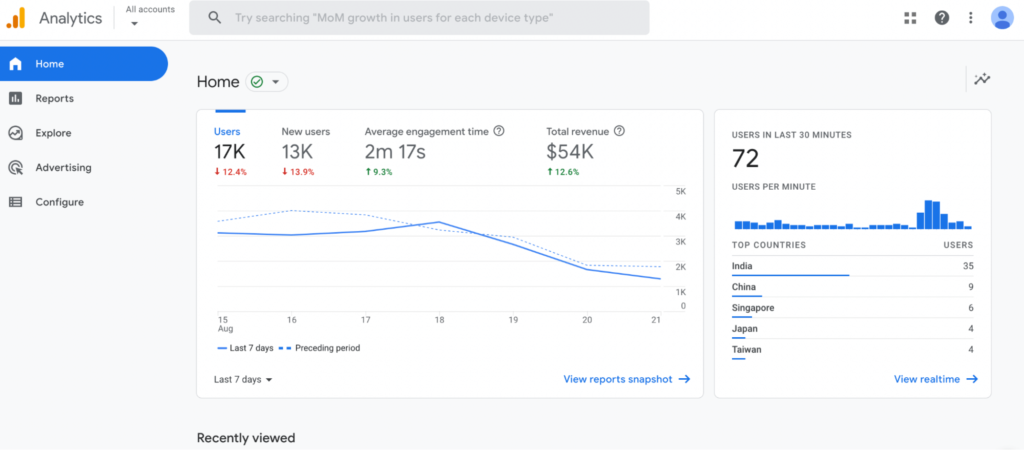
Page views measure the total number of pages viewed on your site. This metric indicates the popularity of your content. High page views suggest engaging content. To track page views:
- Use tools like Google Analytics.
- Monitor trends over time.
Tracking page views helps identify which pages attract the most visitors. This allows you to focus on what works and improve underperforming pages.
Bounce Rate
The bounce rate is the percentage of visitors who leave after viewing one page. A high bounce rate may indicate poor user experience. To reduce bounce rate:
- Ensure your content is relevant.
- Improve page loading speed.
- Enhance mobile responsiveness.
Lowering bounce rate means more visitors engage with your content. This can lead to higher conversions and improved site performance.
Conversion Rate
Conversion rate measures the percentage of visitors who complete a desired action. This could be making a purchase or filling out a form. To improve conversion rate:
- Optimize your call-to-action (CTA).
- Ensure a seamless user journey.
- Test different strategies with A/B testing.
A higher conversion rate means more visitors are taking desired actions. This directly impacts your business goals and overall success.
Credit: www.smartlook.com
Tools For Visitor Tracking
Visitor tracking tools help you understand your audience. They provide insights on user behavior, preferences, and engagement. This data is essential for improving your website’s performance and user experience. Here are some of the top tools for visitor tracking:
Google Analytics
Google Analytics is a powerful tool. It tracks and reports website traffic. It provides detailed statistics about your visitors.
Some key features include:
- Real-time data
- Audience insights
- Behavior tracking
- Conversion tracking
Google Analytics is free. It offers a wealth of information. It helps you make data-driven decisions.
Hotjar
Hotjar provides visual insights on user behavior. It uses heatmaps, session recordings, and surveys.
Key features of Hotjar:
- Heatmaps
- Session recordings
- Form analysis
- Feedback polls
Hotjar is easy to use. It gives a clear view of how users interact with your site.
Crazy Egg
Crazy Egg offers user behavior analysis. It uses heatmaps, scroll maps, and A/B testing.
Important features of Crazy Egg:
- Heatmaps
- Scroll maps
- Overlay reports
- A/B testing
Crazy Egg helps identify user behavior trends. It is user-friendly and provides actionable insights.
Implementing Visitor Tracking
Implementing visitor tracking can help understand user behavior on your site. This valuable data can improve user experience and enhance site performance. Here’s a guide to help you set up visitor tracking effectively.
Setting Up Tracking Codes
First, choose a tracking tool like Google Analytics or Matomo. These tools provide tracking codes to monitor site activity. Follow these steps to set up your tracking codes:
- Create an account on your chosen tracking tool’s website.
- Navigate to the ‘Admin’ section and select ‘Tracking Info.’
- Copy the tracking code provided.
Next, place this code in the section of your site’s HTML. This ensures the code loads on every page. Here is an example:
Ensure the tracking code matches your tracking ID. This helps in accurate data collection.
Integrating With Cms
Integrating tracking codes with a Content Management System (CMS) can simplify the process. Here are steps for popular CMS platforms:
- WordPress: Use a plugin like ‘Insert Headers and Footers.’ Paste the tracking code in the plugin settings.
- Joomla: Add the tracking code in the Template Manager under ‘Custom Code.’
- Drupal: Use the ‘Google Analytics’ module to add the tracking code.
Integration ensures you don’t need to manually insert the code on each page. It also helps in maintaining code consistency across your site.
Analyzing Visitor Data
Analyzing visitor data is crucial for any website. It helps understand user behavior, identify trends, and improve overall performance. By closely examining the data, you can make informed decisions to enhance user experience and boost engagement.
Understanding User Behavior
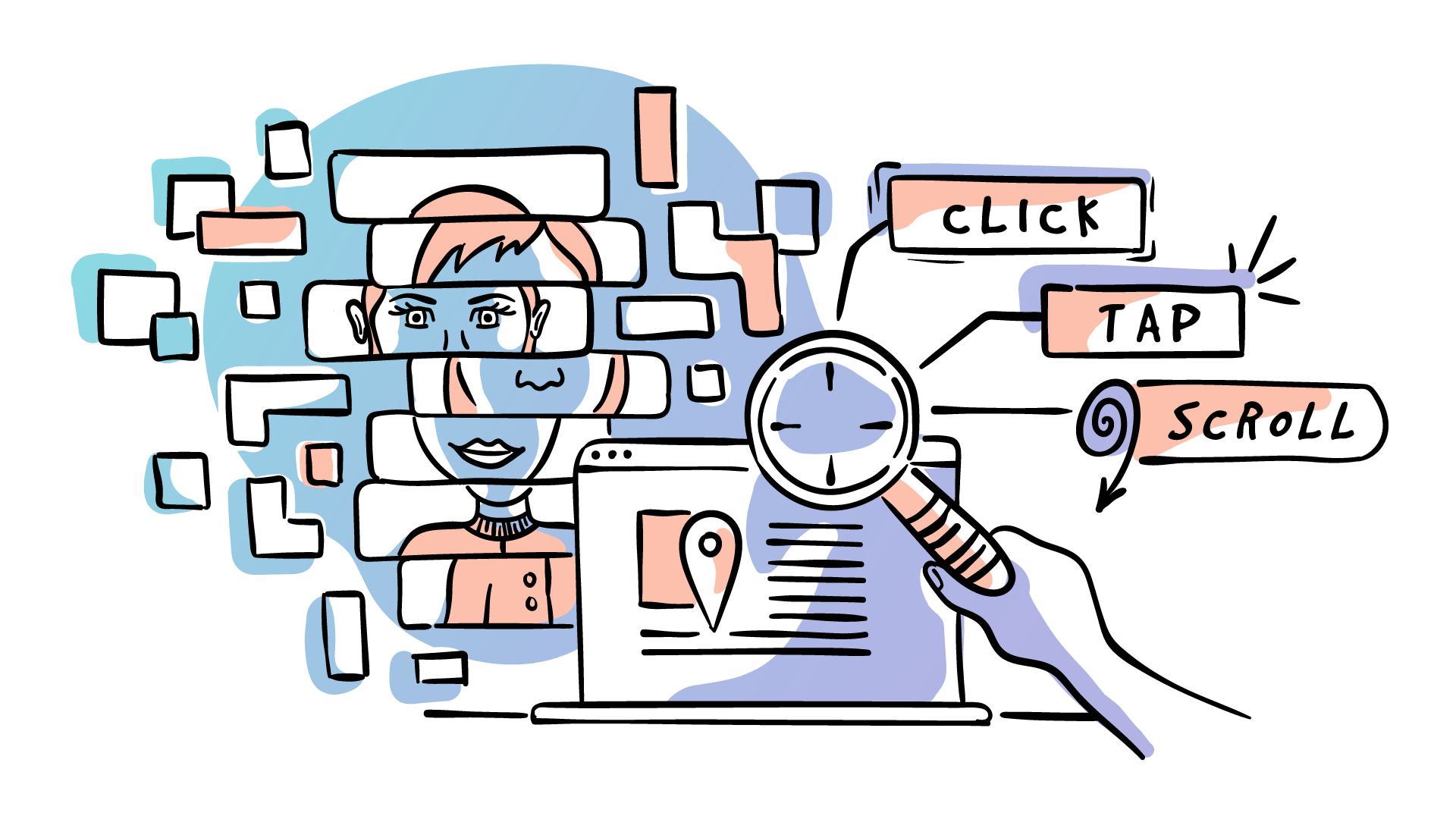
User behavior analysis involves studying how visitors interact with your site. This includes tracking their clicks, scrolls, and time spent on each page. Understanding user behavior helps in identifying what content engages visitors and what does not.
- Click tracking
- Scroll tracking
- Time spent on pages
Analyzing these actions can reveal patterns. For example, if users spend more time on blog posts than product pages, you might need to improve product page content. Behavior data can also highlight user pain points, such as high exit rates from specific pages.
Identifying Trends
Identifying trends in visitor data helps understand long-term patterns. This can include traffic spikes, seasonal changes, or popular content types. Trend analysis is valuable for planning marketing strategies and content updates.
| Metric | Description |
|---|---|
| Traffic Spikes | Sudden increases in visitor numbers |
| Seasonal Changes | Variations in traffic based on time of year |
| Popular Content | Pages or posts with high engagement |
For instance, if you notice a spike in traffic during holiday seasons, you can prepare special content or promotions for that time. Similarly, knowing which content types are popular helps create more of what users like.
Optimizing Website Performance
Visitor tracking is essential for optimizing website performance. It helps you understand user behavior and improve various aspects of your site. By analyzing visitor data, you can make informed decisions to enhance user experience and content strategy.
Improving User Experience
Visitor tracking allows you to see how users interact with your site. You can identify which pages they visit most and which pages they leave quickly. Use this data to improve the user experience by:
- Streamlining navigation
- Reducing page load times
- Optimizing mobile responsiveness
A faster website keeps users engaged. Simplified navigation helps them find what they need easily. A mobile-friendly design ensures a seamless experience across devices.
Enhancing Content Strategy
Content is king, but only if it resonates with your audience. Visitor tracking provides insights into what content is most popular. You can use this data to create more of what your audience loves.
Consider the following steps to enhance your content strategy:
- Analyze top-performing content
- Identify content gaps
- Create a content calendar
By focusing on high-performing content, you can attract and retain more visitors. Filling content gaps ensures you cover all relevant topics. A content calendar helps you stay organized and consistent.

Credit: www.mirabelsmarketingmanager.com
Future Of Visitor Tracking
The future of visitor tracking is bright and full of potential. As technology advances, so do the methods to track and understand visitors. Businesses can gain deeper insights and improve user experiences. But what does the future hold? Let’s explore some key areas.
Privacy Concerns
Privacy concerns are at the forefront of visitor tracking. Users are more aware of their data rights. They demand transparency and control over their information. Compliance with regulations like GDPR is essential. Businesses must balance tracking needs with respecting user privacy.
Implementing clear privacy policies builds trust. Informing users about data collection practices is crucial. Offering opt-out options ensures users feel secure. This fosters a positive relationship between businesses and visitors.
Emerging Technologies
Emerging technologies are transforming visitor tracking. Artificial Intelligence (AI) and Machine Learning (ML) are key players. They provide deeper insights into user behavior. Predictive analytics helps anticipate visitor needs. This leads to more personalized experiences.
Blockchain technology is also making waves. It offers a secure and transparent way to manage data. This reduces the risk of data breaches. It builds trust with users and enhances data integrity.
Here is a quick comparison of traditional and emerging technologies in visitor tracking:
| Traditional Technologies | Emerging Technologies |
|---|---|
| Cookies | AI and ML |
| Session Tracking | Blockchain |
| IP Address Tracking | Predictive Analytics |
The future of visitor tracking is exciting. It promises greater insights and improved user experiences. By addressing privacy concerns and embracing emerging technologies, businesses can stay ahead.
Credit: outfunnel.com
Frequently Asked Questions
What Is Visitor Tracking?
Visitor tracking is the process of monitoring and analyzing the behavior of visitors on a website.
Why Is Visitor Tracking Important?
Visitor tracking helps businesses understand user behavior, improve website experience, and boost conversion rates.
How Does Visitor Tracking Work?
Visitor tracking works by using cookies and tracking codes to collect data on user interactions.
What Tools Are Used For Visitor Tracking?
Popular tools for visitor tracking include Google Analytics, Hotjar, and Crazy Egg.
Conclusion
Visitor tracking offers valuable insights into your audience’s behavior. It helps improve user experience. Understand visitors’ needs. Adjust strategies accordingly. Track performance over time. Make data-driven decisions. Enhance engagement and satisfaction. Increase conversions efficiently. Stay ahead in competitive markets. Use visitor tracking wisely.
Your business can thrive.